4K Laser Projectors for Gaming: What Actually Matters
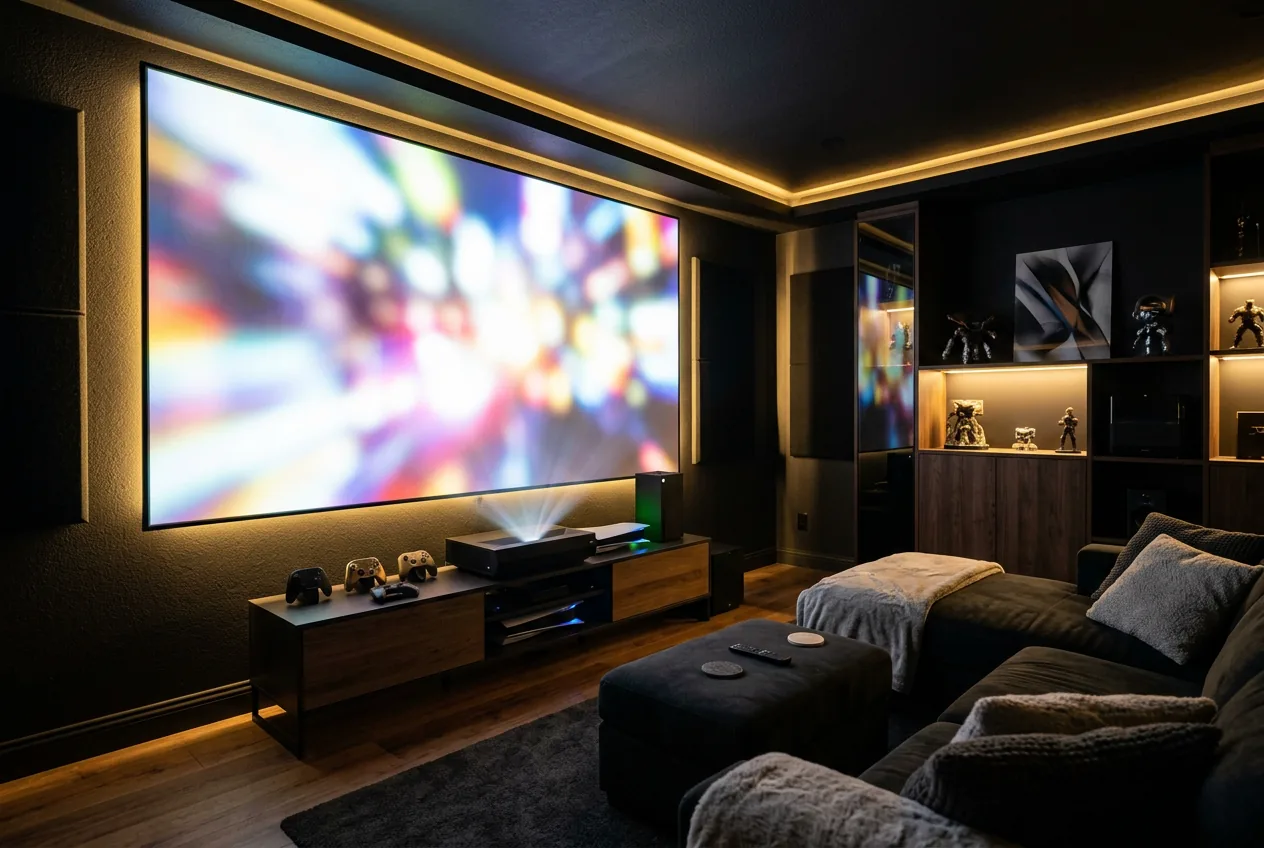
Most 4K laser projector buying guides are written for movie watching. Gaming has its own priorities, some of which don't show up on a typical spec sheet at all.
The three specs that matter more for gaming than for movies
| Spec | Why it matters for gaming specifically |
|---|---|
| Input lag | Delay between a controller input and it appearing on screen, largely irrelevant for movies, directly felt in fast or competitive games |
| Refresh rate support | 120Hz support at 1080p or 1440p (often downscaled from 4K) matters for fast-paced games, movies are locked to 24-30fps regardless |
| HDMI version and bandwidth | Determines whether the projector can actually accept a 4K/120Hz or VRR signal from a current console or PC, not just display 4K at 60Hz |
Input lag: the spec that's hardest to find
Under 20 milliseconds is considered good for competitive play, under 40 milliseconds is fine for most single-player and casual gaming. Above that, a delay between input and result becomes noticeable, most projectors reduce this significantly in a dedicated "Game Mode" or "PC Mode" picture setting that strips out extra image processing, always check for one and enable it. Input lag figures are inconsistently reported on Amazon listings, our own catalog doesn't reliably surface it as a structured field either, this is a spec worth checking directly in the manufacturer's own published documentation or independent review benchmarks before buying if competitive gaming is the priority. See ProjectorCentral's dedicated input lag testing and explanation for how independent reviewers actually measure it. Worth internalizing the math: at 60 frames per second, each frame lasts about 16.7 milliseconds, so 50ms of input lag means you're reacting to information that's already three frames old by the time it reaches the screen.
Frame interpolation, a picture setting that generates extra frames between the source material's real ones to smooth motion, is the single biggest hidden source of input lag. It can add well over 100 milliseconds on its own, since the projector has to buffer and analyze frames before it can interpolate between them. It's usually a separate toggle from Game Mode (sometimes labeled "Motion Enhancement" or "SmoothMotion"), confirm it's off, don't assume enabling Game Mode disables it automatically on every model.
Refresh rate and HDMI bandwidth
Full native 4K at 120Hz needs more bandwidth than HDMI 2.0 provides, HDMI 2.1, officially specified at up to 48Gbps by the HDMI Forum, is what actually enables 4K/120Hz and variable refresh rate (VRR) from current-generation consoles and gaming PCs, close to triple HDMI 2.0's 18Gbps ceiling. A projector can be fully capable of displaying 4K and still bottleneck a next-generation console's 120Hz gaming mode if its HDMI input is 2.0, not 2.1. This spec is usually stated directly in the manual or spec sheet as "HDMI 2.1" or a bandwidth figure, if a listing only says "HDMI" with no version, don't assume 2.1 capability, confirm it directly with the manufacturer before buying for a current-gen console.
VRR itself is a separate checkbox from HDMI version. It's part of the HDMI 2.1 spec, letting the display's refresh rate sync dynamically to the source's actual frame rate instead of a fixed interval, which eliminates tearing and reduces stutter when frame rate varies, common in demanding games running below a locked 60 or 120fps. A projector can support HDMI 2.1's bandwidth for 4K/120Hz without necessarily implementing VRR or ALLM (auto low latency mode, which switches the display into its lowest-lag picture mode automatically when it detects a game console), both are worth checking as separate line items, not assumed from an "HDMI 2.1" label alone.
Throw distance and placement still apply
Gaming setups often sit closer to the screen than a typical home theater, a couch a few feet from a TV-sized screen rather than a dedicated theater room. That usually points toward short throw or ultra short throw placement rather than standard throw, see UST vs. short throw vs. standard throw and use the throw distance calculator to confirm a specific model fits your setup before buying.
What still matters the same as for movies
Brightness, native resolution, and laser vs. lamp all apply to gaming the same way they do to any other use. See ANSI vs. ISO lumens, native 4K vs. pixel-shifting, and laser vs. lamp projectors for those, gaming doesn't change the underlying tradeoffs, it just adds input lag and HDMI bandwidth on top.
Frequently asked questions
What input lag is acceptable for gaming on a projector?
Under 20ms for competitive play, under 40ms for casual and single-player gaming. Enable Game Mode or PC Mode if the projector has one, it typically cuts lag significantly.
Do I need HDMI 2.1 for 4K gaming on a projector?
Only for 4K above 60Hz or variable refresh rate from a current-gen console or PC. Standard 4K at 60Hz works fine over HDMI 2.0.
Does throw distance matter differently for gaming setups?
Not in the math, but gaming setups are often closer to the screen than a dedicated theater room, which usually makes short throw or ultra short throw a more natural fit than standard throw.
What is variable refresh rate (VRR) and does it matter for projectors?
It syncs the display's refresh rate to the source's actual frame rate, reducing tearing and stutter. It's part of HDMI 2.1 but not guaranteed by an "HDMI 2.1" label alone, check for it specifically.
Does frame interpolation affect gaming on a projector?
Yes, it can add well over 100ms of input lag on its own. Disable it for gaming, and confirm Game Mode actually turns it off rather than assuming it does.