Understanding Projector Throw Distance
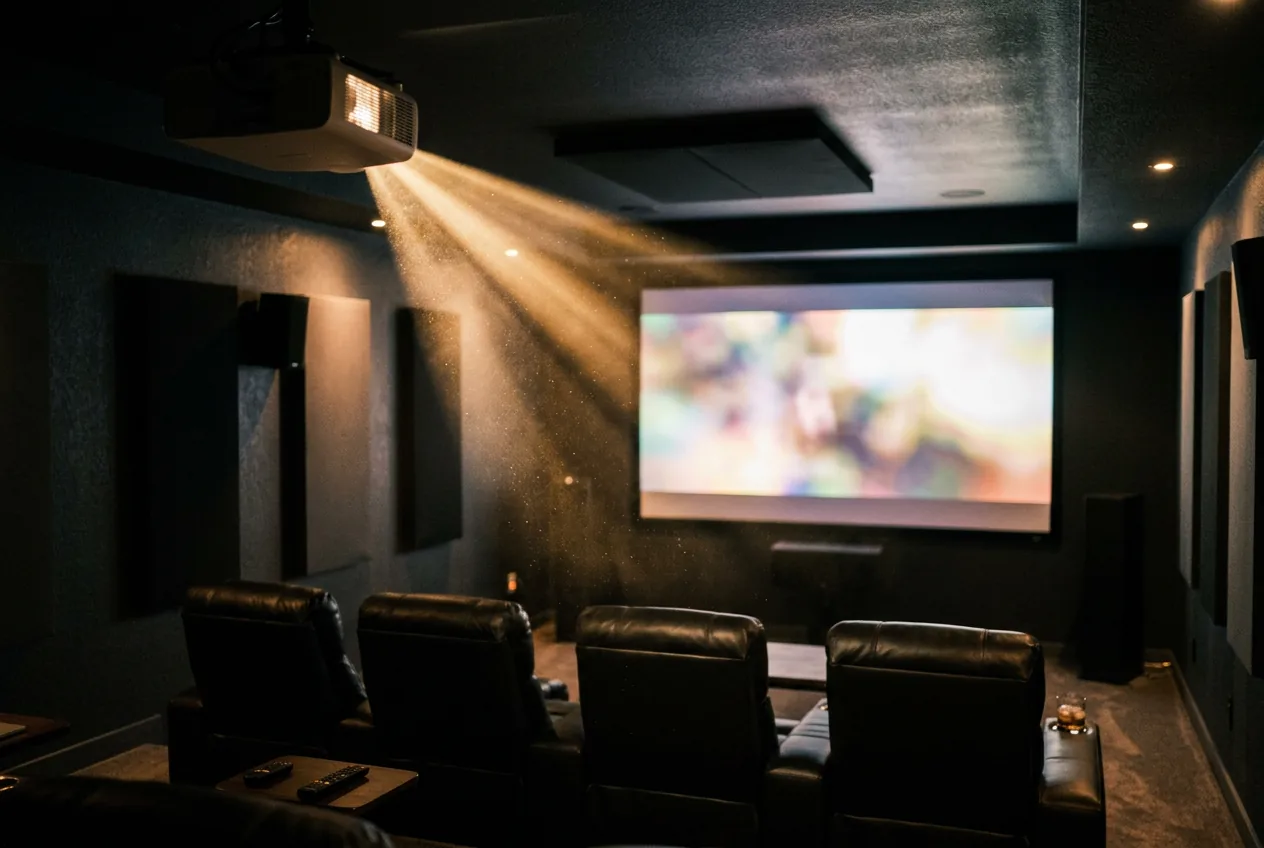
Throw distance is the single most common reason a projector purchase goes wrong, not brightness, not resolution. Get it right before you buy and placement is a non-issue. Get it wrong and you're stuck with a screen that's the wrong size for the room, or a projector sitting in the middle of a walkway.
The short answer
Throw distance = throw ratio × screen width. A projector with a throw ratio of 1.5 needs 15 feet of distance to fill a 10-foot-wide screen. Throw ratio is fixed per projector (published in its spec sheet), screen width is whatever you choose, so the only variable you're actually solving for is distance, or working backward from available room depth to figure out the biggest screen that fits.
Skip the math: use the throw distance calculator to plug in your numbers directly.
The formula, and how to calculate it yourself
Throw ratio is formally defined as distance divided by width, R = D / W, the same definition Wikipedia's entry on projector throw and BenQ's own knowledge base use. Rearranged to solve for distance, it becomes D = W × R, which is exactly what the short answer above and this site's calculator compute. Worked example: a 120-inch diagonal 16:9 screen is about 104.6 inches (8.7 ft) wide. A projector with a 1.4 throw ratio needs 8.7 × 1.4 ≈ 12.2 ft of distance to fill it exactly.
Throw ratio, not throw distance, is what's on the spec sheet
Manufacturers publish throw ratio, not a fixed throw distance, because the actual distance depends on screen size, which is your choice, not theirs. A ratio like 1.39-1.9 means the projector has a zoom lens: at the short end, place it closer for a given screen size, at the long end, place it farther back for the same size. A single number instead of a range means a fixed lens, no zoom flexibility, that exact ratio applies regardless of screen size.
Zoom range matters for flexibility, not just placement. A projector with a wide zoom range (say 1.2-2.2) tolerates a lot of uncertainty about exact mounting distance, useful if you're not sure yet where a ceiling mount will end up, or if you might move the projector to a different room later. A fixed-ratio lens is cheaper to manufacture and often sharper at the edges (zoom optics introduce more opportunities for distortion), but only works in one exact spot for a given screen size.
Throw ratio by projector type
| Type | Typical throw ratio | What it means in practice |
|---|---|---|
| Ultra short throw (UST) | 0.19-0.42 | Sits on a low console just inches from the wall, no cable run across the room, no ceiling mount |
| Short throw | 0.38-1.0 | A few feet back, usually a coffee table or low shelf |
| Standard throw | 1.1-2.2 | Ceiling mounted or placed at the back of a mid-size to large room |
See ultra short throw vs. short throw vs. standard throw for how these three categories compare beyond just placement distance.
Why this matters more than most spec-sheet numbers
Brightness and contrast affect picture quality. Throw distance affects whether the projector fits in your room at all. A standard throw projector with a 1.5 minimum throw ratio simply cannot produce a usable image in a 6-foot-deep room, no setting or adjustment changes that, it's a fixed property of the lens. Measure the actual usable depth of your room (accounting for furniture, not just wall to wall) before shopping by brightness or price.
Vertical and horizontal offset
Throw ratio alone assumes the projector sits centered and level with the screen. Real installs rarely do, mounted higher than screen center or placed slightly off to one side. Manufacturers publish a lens shift or offset range alongside throw ratio for exactly this reason, a projector with generous vertical lens shift tolerates being mounted higher on a ceiling without keystoning the image, one with none needs to sit precisely level with the screen's vertical center. Check this figure if your mounting position won't be perfectly centered. For a deeper technical breakdown of how shift ranges interact (pushing the lens to its horizontal limit reduces the available vertical range, and vice versa), see ProjectorCentral's guide to lens offset and lens shift.
Lens shift is not the same as keystone correction, and the difference matters for image quality. Lens shift physically moves glass elements inside the lens, so the image is repositioned optically with no loss of sharpness. Keystone correction is a digital workaround, the projector processor stretches and resamples a trapezoidal image back into a rectangle, which softens fine detail and is most noticeable on text and fine patterns. Use lens shift (or careful physical placement) as the real fix, and treat keystone correction as an emergency patch, not a placement strategy.
Common measurement mistakes
Most placement problems trace back to a handful of measuring errors, not bad math. Measure from the lens, not the back of the projector's case, many models mount the lens several inches forward or set back from the body. Measure to the actual screen surface, not the wall behind it, if the screen material sits inside a frame with any depth. And measure the room's real usable depth, not wall-to-wall, a couch, media console, or walkway between the projector and screen it can't be placed in still counts against your available throw distance.
Clearance and ventilation
Throw distance covers front-to-back placement, but side and rear clearance matters too. Laser light engines run hotter at full brightness than lamps did, and most manufacturers specify a minimum clearance, commonly 4-8 inches, on the intake and exhaust sides. Built-in shelving, a cabinet, or a low console with poor airflow can cause thermal throttling (the projector dims itself to manage heat) or premature light source wear, even when the throw distance itself is correct. Check the manual's specific clearance figures before finalizing a console or ceiling mount, particularly for ultra short throw models, which often sit in furniture designed around them.
Frequently asked questions
What is throw distance on a projector?
How far a projector needs to be placed from the screen to fill it, calculated as throw ratio times screen width.
How do I find a projector's throw ratio?
It's in the spec sheet or manual, listed as a single number for a fixed lens or a range for a zoom lens.
Can I change a projector's throw ratio?
Not on a fixed-lens model. On a zoom-lens model, you can adjust within its published range, but not beyond it, a 1.2-1.6 lens can't be zoomed out to a 2.5 ratio.
What is the difference between lens shift and keystone correction?
Lens shift is an optical adjustment with no quality loss. Keystone correction is a digital stretch that softens the image, useful as a last resort but not a substitute for correct placement.
How much clearance does a projector need behind and around it?
A few inches at minimum for airflow, more for laser models. Check the specific model's manual, and avoid sealed enclosures without dedicated ventilation.